 PosellaPosella
Graduation shoots are always rushed, crowded and impossible to redo. This set splits in two: solo poses working with the gown and diploma, and group arrangements that fit a whole class in frame without anyone disappearing behind a shoulder.
A graduation shoot almost always happens under the worst possible conditions: crowded, rushed, midday sun, and no chance to redo it. So the thing that matters is not an elaborate pose but preparation — knowing where you will stand, what your hands hold, and where you will look, so that your turn takes seconds.
For solo portraits, the gown is the biggest threat to your shape, because it is wide and flat. Let the front hang slightly open rather than closed, and keep your shoulders angled to the camera. Hold the diploma at waist height or lower, not up at your chest — raised high it covers your torso and unbalances the frame.
For group shots, the rule that matters most is staggering people in depth rather than lining them up. A straight row distorts the people at the edges and widens the frame for nothing. Two or three layers, with each person behind standing in the gap between two shoulders in front, is tighter and leaves nobody hidden. For the cap toss, count out loud so everyone throws on the same beat.
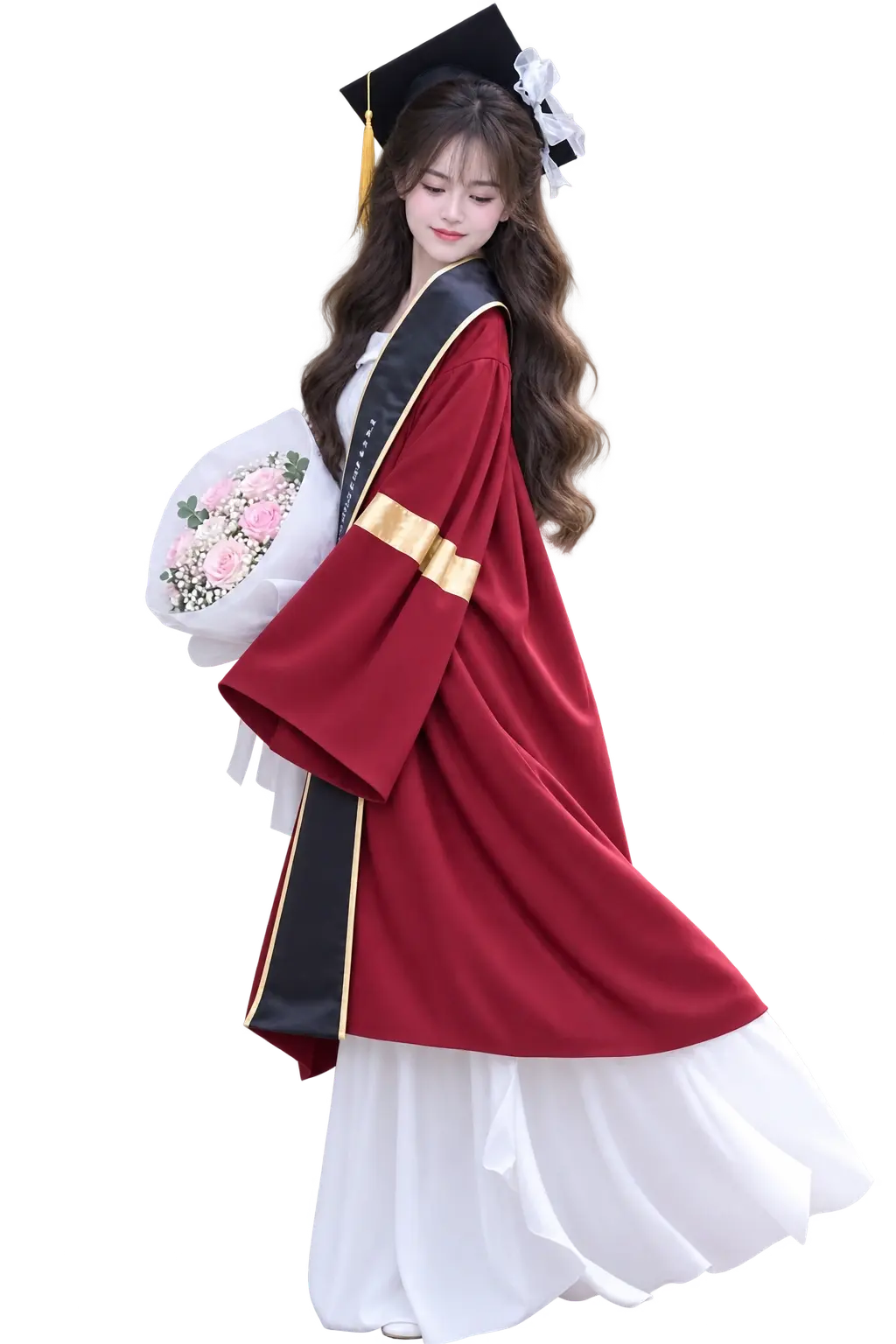
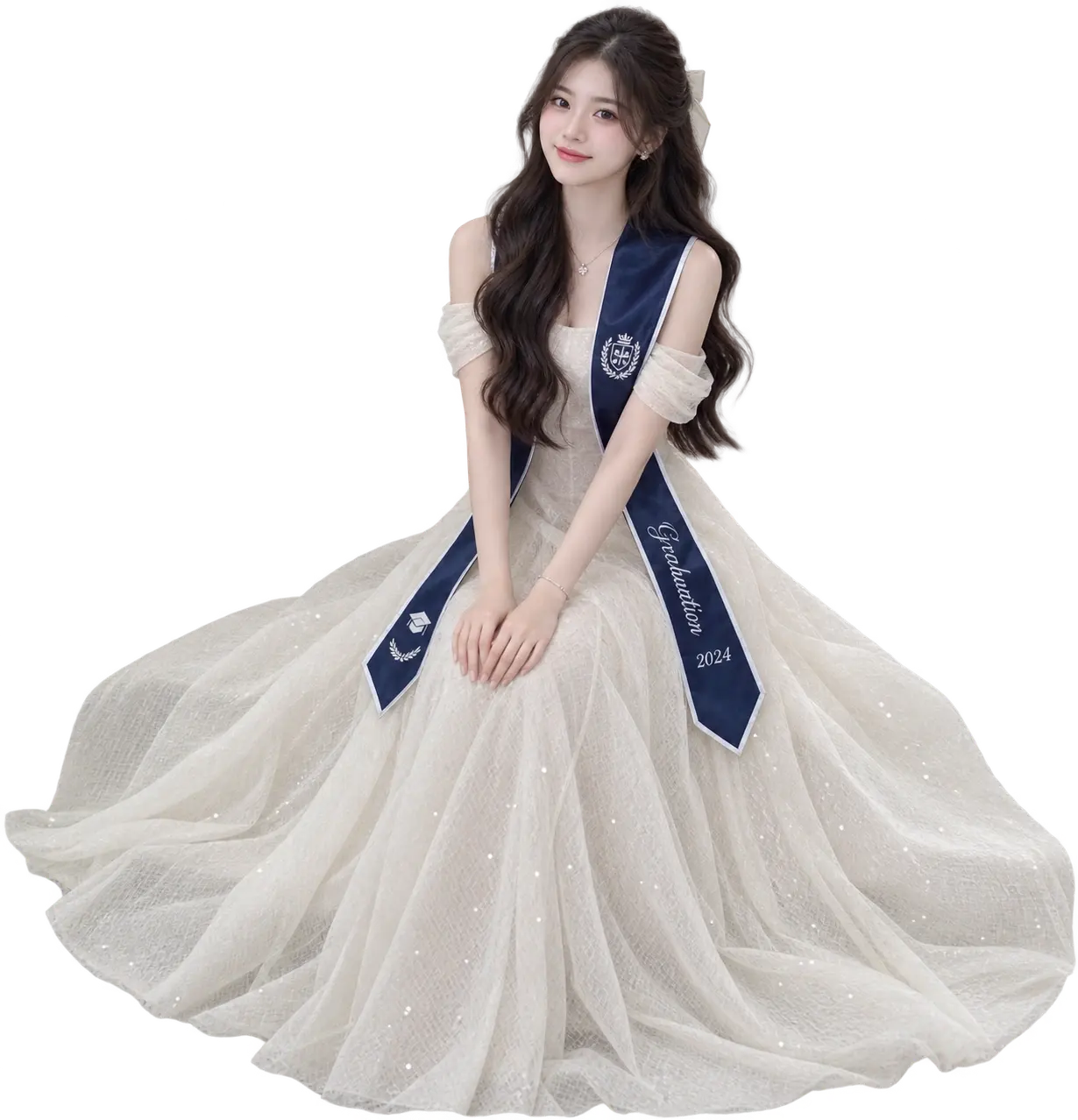
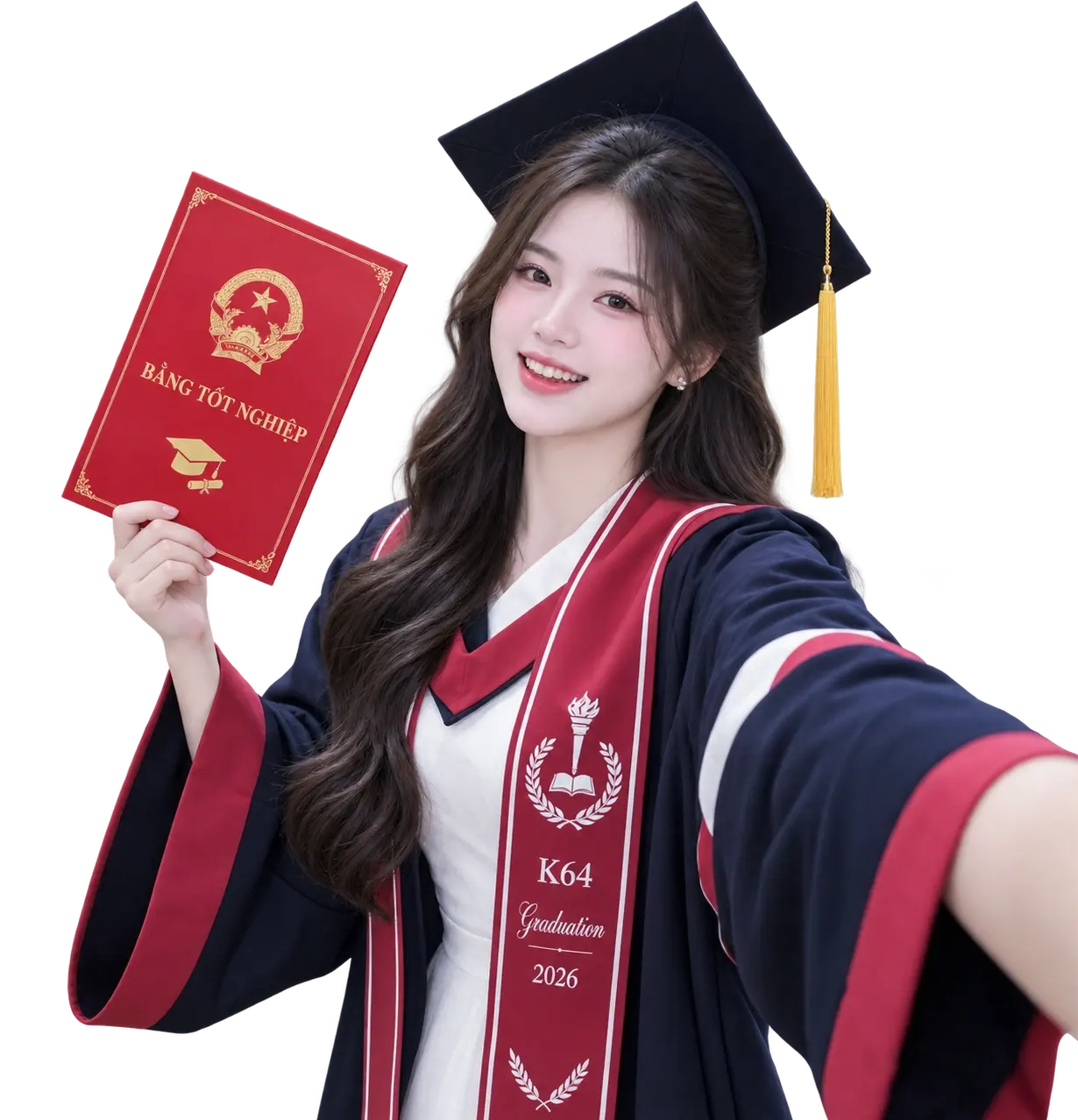
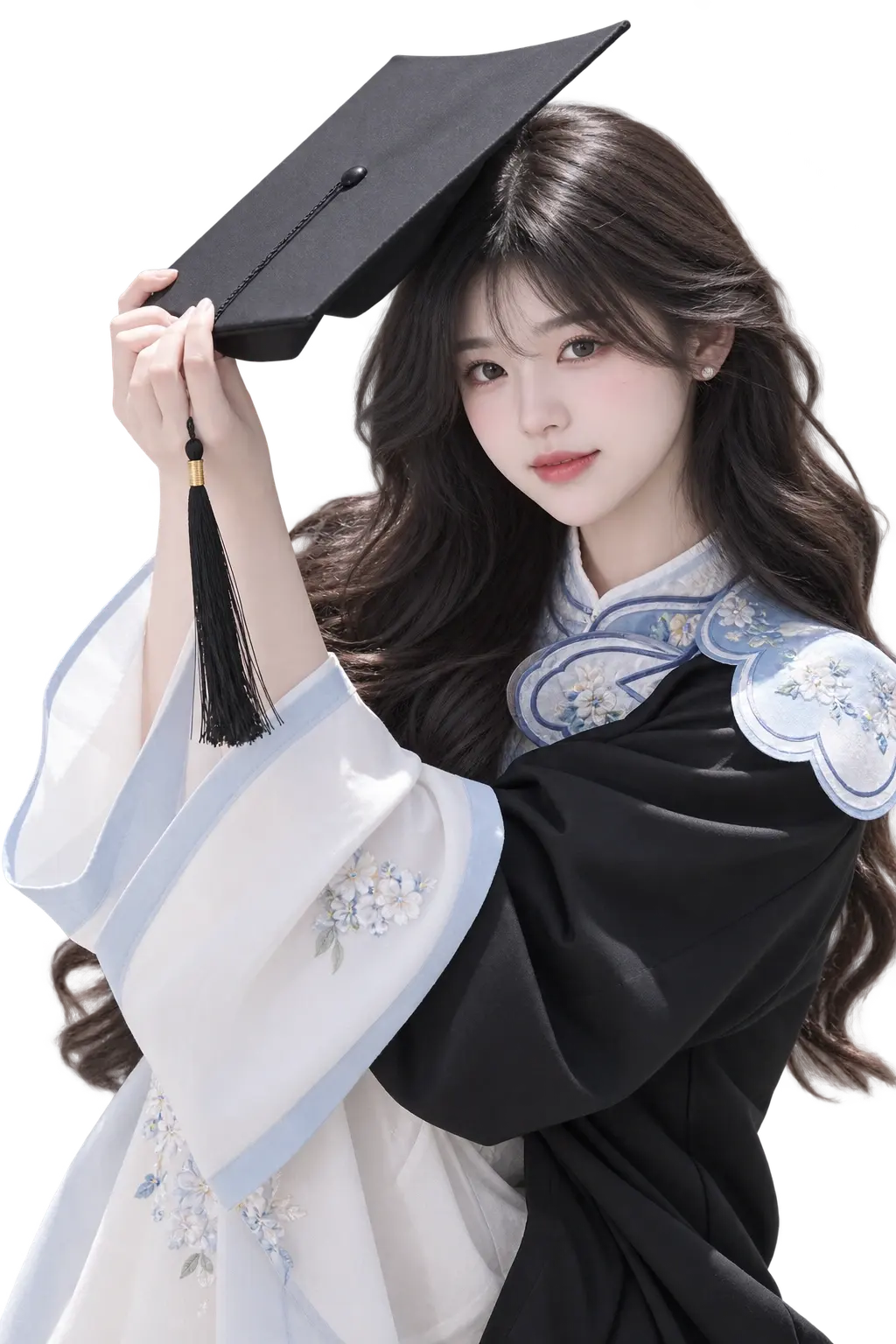
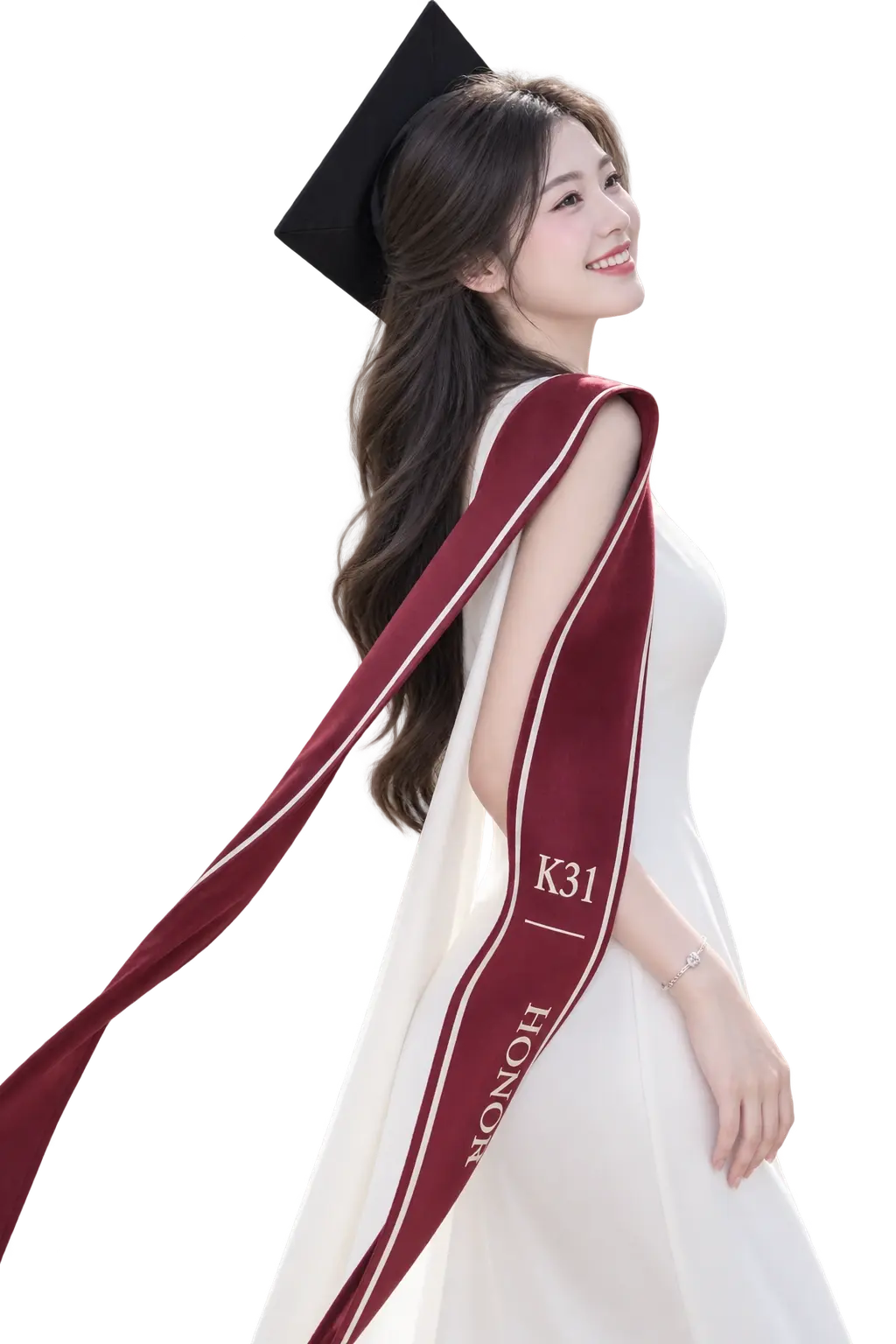
Showing 5 reference poses. Get the Posella app to see every pose in this setting and line up on them as you shoot.
Get it on Google PlayCeremonies and yearbook sessions nearly all happen between ten in the morning and two in the afternoon, which is the worst light of the day. With the sun near overhead, shadows drop straight down into the eye sockets, under the nose and under the chin. In the photograph this reads as hollow eyes and a tired face, on someone who feels perfectly fine.
You usually cannot move the hour, but you can move three steps. Go under a porch, an archway or a covered walkway, or turn your back to the sun and let light bounce up off a pale paved courtyard. Stepping into shade removes the entire problem, and the campus is still behind you.
A graduation gown is a wide, dark mass of fabric that cuts across the whole body and erases the waist. Standing straight with both arms down inside one almost always produces a rectangle. The fix is to open a gap: one hand on the hip makes a triangle between arm and body, or hold the front edges slightly apart so the clothes underneath show.
The cap is the best prop you have and the one most often used badly. Wear it tipped back so the board does not cast a shadow over your eyes — pulled down on the forehead is the single most common reason eyes vanish in graduation photographs. Holding it instead is a good option too, particularly when you want the hair and the whole face visible.
Class photographs are usually arranged as one straight row, evenly spaced, everyone facing forward. That layout forces the lens far back to fit everyone in, which shrinks every face and makes the group look distant from each other. It also leaves a wide, empty band across the top of the frame.
A better arrangement is clusters at different heights: some seated on steps, some standing behind, some crouched in front. Heads should sit at varied levels rather than along one line. Pack people closer together than feels natural — distance always looks larger in the photograph than it does while you are standing there.
Turn on your camera and line yourself up with a reference pose. The web version is preview only — shooting and saving live in the app.
Drag to move the pose, pinch (or scroll) to resize.
Pose to try
Taking and saving photos is app-only.
